
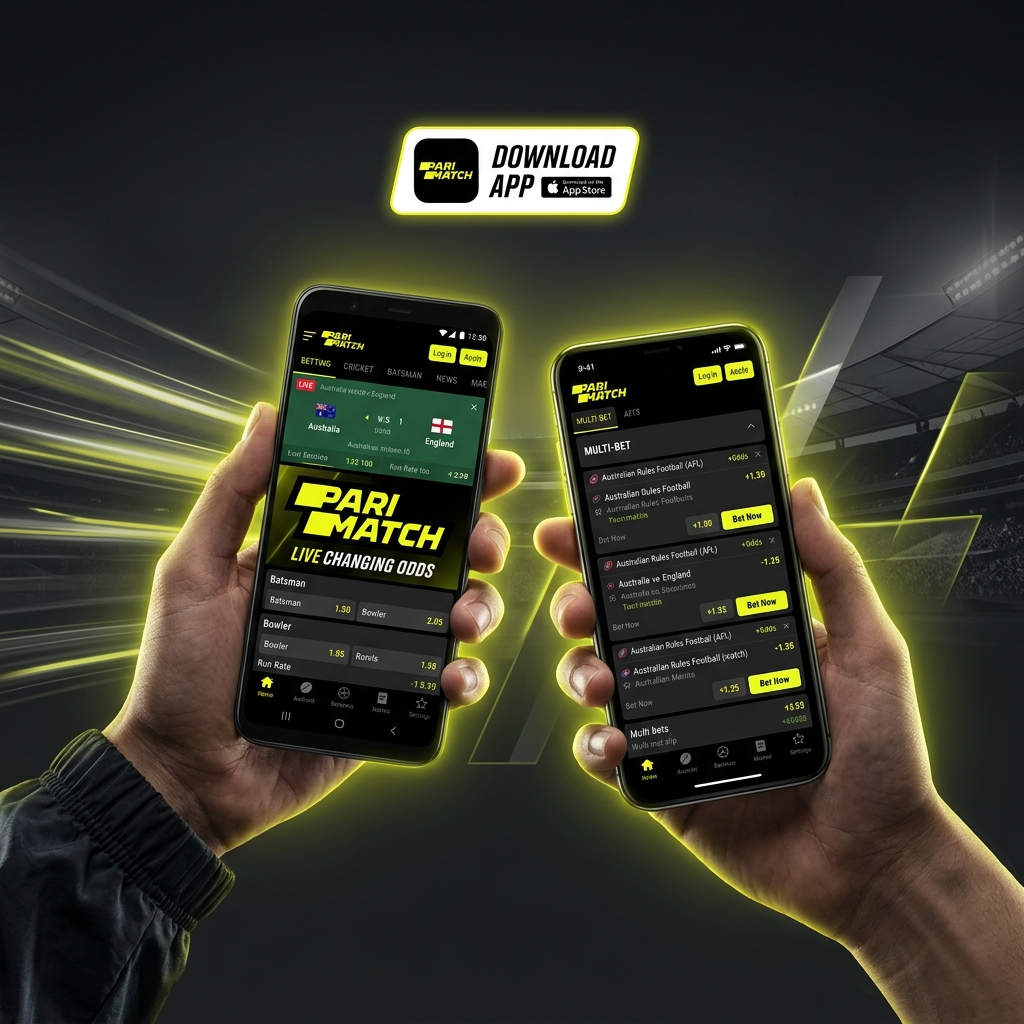
Download Parimatch App:
APK for Android & iOS Guide
Playing on your phone is how most Aussie punters bet these days. This guide covers getting the Parimatch app onto your device safely — Android APK or iPhone App Store — with full install steps, requirements and troubleshooting.
18+ only | T&Cs apply | Gamble responsibly
Quick Answers
Most common questions about the Parimatch mobile app
Is the Android app on Google Play?
No — real-money betting apps aren't allowed on Google Play. Download the APK directly from the official Parimatch site. Never use third-party APK mirrors.
Is there a Parimatch iPhone app?
Yes, through the App Store — though availability depends on your Apple ID region. If it's not in your store, the mobile browser in Safari works identically.
Is the app free to download?
Completely free on both Android and iOS. You only spend money if you choose to deposit and play.
Is the APK safe?
Yes — from the official site. The "unknown sources" warning is generic for any sideloaded APK; it doesn't mean the file is unsafe. Never download from third-party mirrors.
Do I need a separate account?
No. One account works across the app, mobile site and desktop — same login, same balance, same bonuses and history everywhere.
App keeps crashing — what to do?
Update to the latest APK version and clear the app cache. Nine times out of ten that's the fix. If not, uninstall and re-download from the official site.
Playing on your phone is how most Aussie punters bet these days — on the train, on the couch, during the footy at the pub. And while the mobile site does the job, a proper app is faster and smoother once you're betting regularly. This guide covers getting the Parimatch app onto your device safely, whether you're on Android chasing the Parimatch APK or on an iPhone going through the App Store.
We'll go through system requirements, the full install walkthrough (including the bit Android hides in its security settings), how the app stacks up against the mobile site, and what to do when it won't install or keeps crashing. No guesswork.
Why Choose the Parimatch Mobile App?

You don't strictly need the app — the mobile site works fine in any browser. So why bother with the download? A few genuine reasons, not just marketing.
Speed
A native app loads faster than a browser tab, and that matters most for live betting, where odds shift second by second and a slow page can cost you a bet at the price you wanted.
Push Notifications
The app pings you for odds changes, goal alerts, cash-out opportunities and promo drops. Handy if you follow live markets or don't want to miss a limited bonus — check our Parimatch promotions page for what those alerts usually point to.
Reliable Access
Offshore betting sites sometimes get patchy on certain networks. A dedicated app can be more stable than hitting the web domain, so you're less likely to get locked out mid-session.
Lighter on Data
Once installed, the app caches a lot of its interface, so it generally chews through less mobile data than reloading the full site every visit. Small thing, but it adds up if you're not on unlimited.
The trade-off? You're installing software outside the usual app store on Android, which means a couple of extra steps. Nothing dodgy — just Google being cautious about anything it didn't supply. We'll walk you through it safely.
Parimatch App for Android (APK Download)
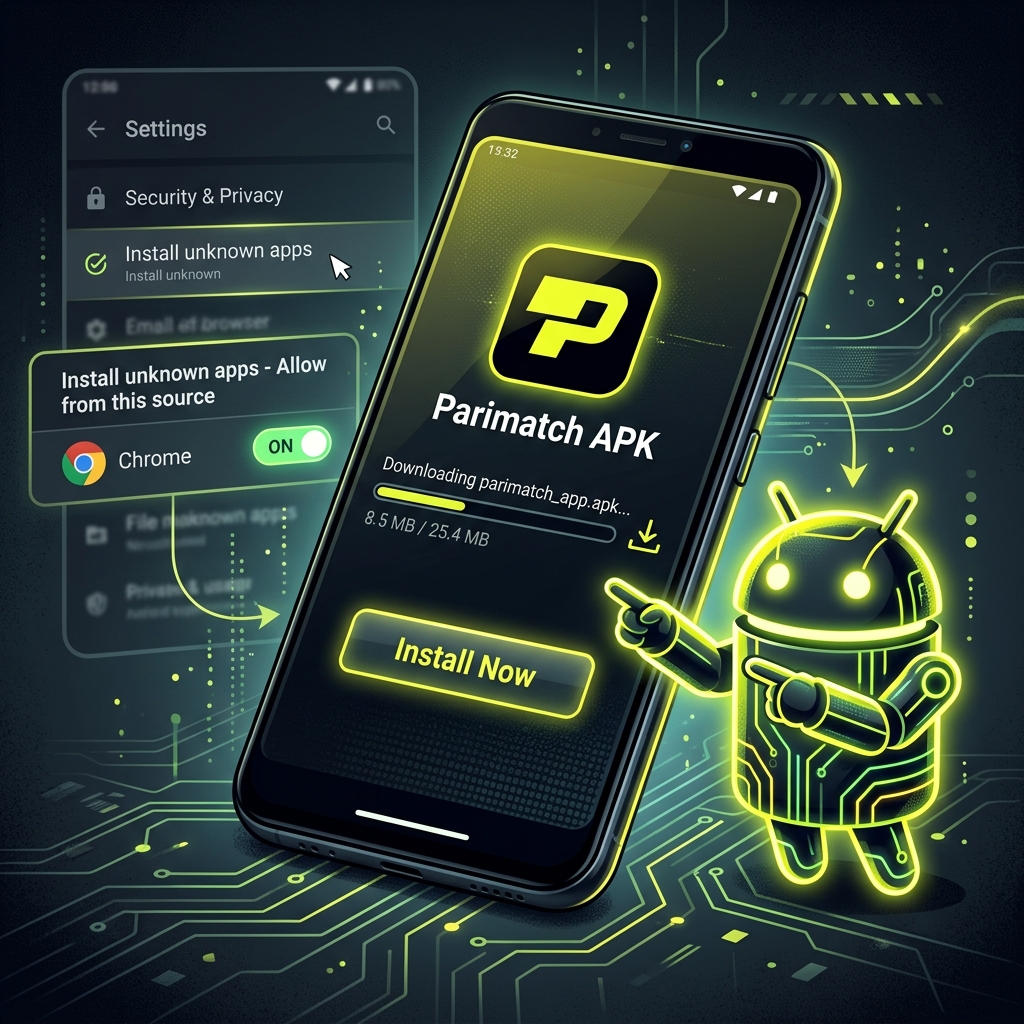
Because real-money betting apps aren't always allowed on the Google Play Store, the Parimatch APK is usually downloaded directly from the official site as a standalone file. That's normal for this type of app — but it does mean you grab it from the source, never from a random APK-mirror site, which is where dodgy, tampered files lurk.
System Requirements for Android
Before you start the Parimatch APK download, make sure your phone can run it. The requirements are modest — most handsets from the last five years are well covered.
| Requirement | Minimum |
|---|---|
| Operating system | Android 6.0 or newer |
| Free storage | ~100 MB (plus room for updates/cache) |
| RAM | 2 GB or more |
| Internet | Stable Wi-Fi or 4G/5G |
| Example devices | Samsung Galaxy S9+, Xiaomi Redmi Note 8+, Google Pixel 3+, OPPO/Vivo recent models |
If you're on something older with Android 5 or 1 GB of RAM, the app may run sluggish or refuse to install — the mobile site is your better bet there.
Step-by-Step Android APK Installation Guide
Here's the full download Parimatch APK process. The one step people get stuck on is the security permission, so don't skip it.
- 1 Open the official Parimatch site
In your phone's browser, go to the official site and find the Android app / APK download link.
- 2 Download the APK file
Your browser may warn that "this type of file can harm your device" — that's a generic message for any APK. Tap "Download anyway" / "OK".
- 3 Allow installation from unknown sources
This is the key bit. Go to Settings → Apps → Special access → Install unknown apps (or Settings → Security on older phones), select your browser, and toggle "Allow from this source" on.
- 4 Open the downloaded APK
From your notifications bar or Downloads folder, open the file and tap Install.
- 5 Wait for it to finish, then tap Open
The install takes under a minute on most phones.
- 6 Log in or register
Set AUD as your currency and you're away.
After installing, you can switch that "unknown sources" permission back off for peace of mind — it doesn't affect the already-installed app. And before your first withdrawal, sort your KYC; our Parimatch verification guide shows how, so a payout doesn't stall later.
Parimatch App for iOS (iPhone & iPad)
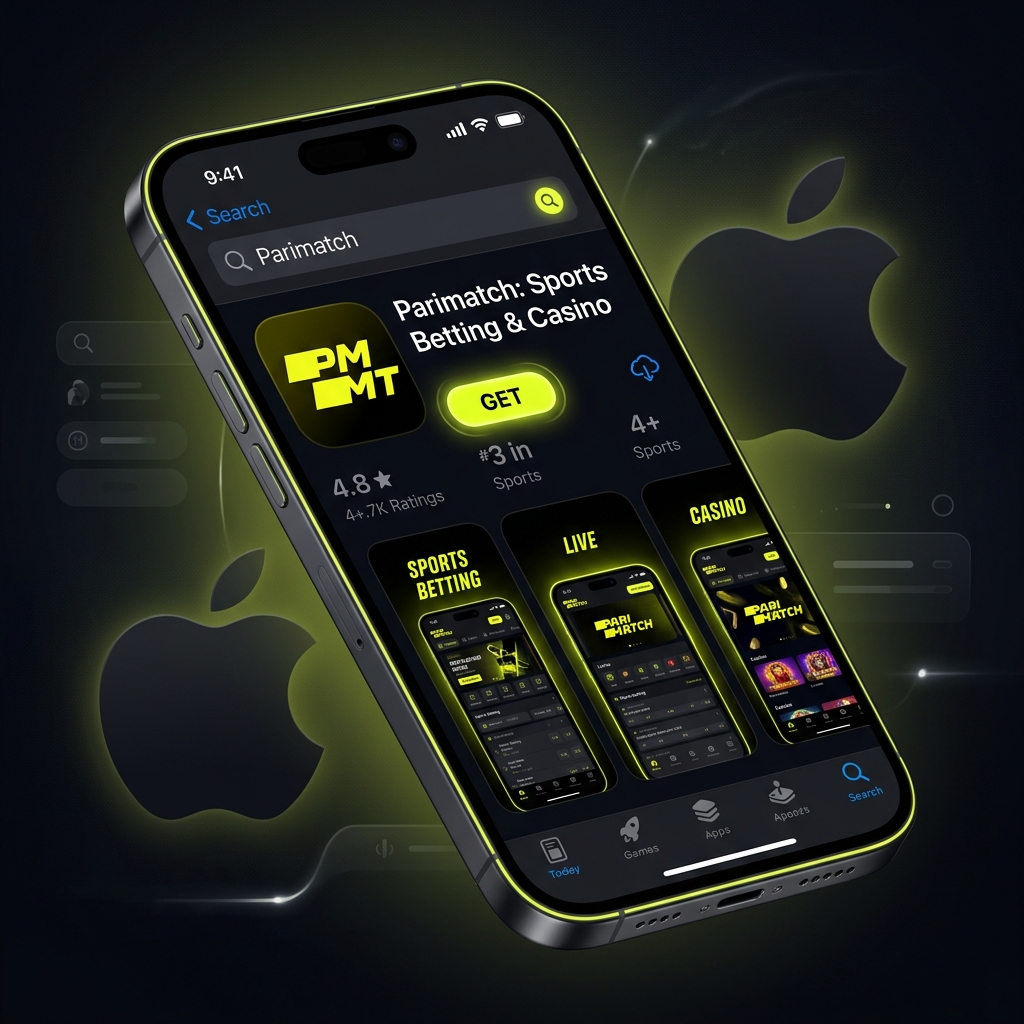
iPhone users have a different path. Apple's App Store rules around real-money gambling vary by region, so the Parimatch iOS app may be listed under certain Apple ID region settings and not others. There's no APK equivalent on iOS — everything installs through the App Store or a configuration profile.
System Requirements for iOS
Apple hardware tends to age well, so the bar here is low. Most iPhones and iPads still in use will run the Parimatch app without drama.
| Requirement | Minimum |
|---|---|
| Operating system | iOS 12.0 or newer |
| Free storage | ~150 MB |
| Compatible devices | iPhone 6s and up, iPad (5th gen+), iPad mini 4+ |
| Internet | Stable Wi-Fi or mobile data |
How to Install from the App Store
- 1 Open the App Store
Search for the Parimatch app, or follow the direct App Store link from the official site.
- 2 Tap "Get"
Confirm with Face ID, Touch ID or your Apple ID password.
- 3 Wait for the download, then open it
Log in or register — your existing account works straight away.
Parimatch Mobile Website vs. Dedicated App
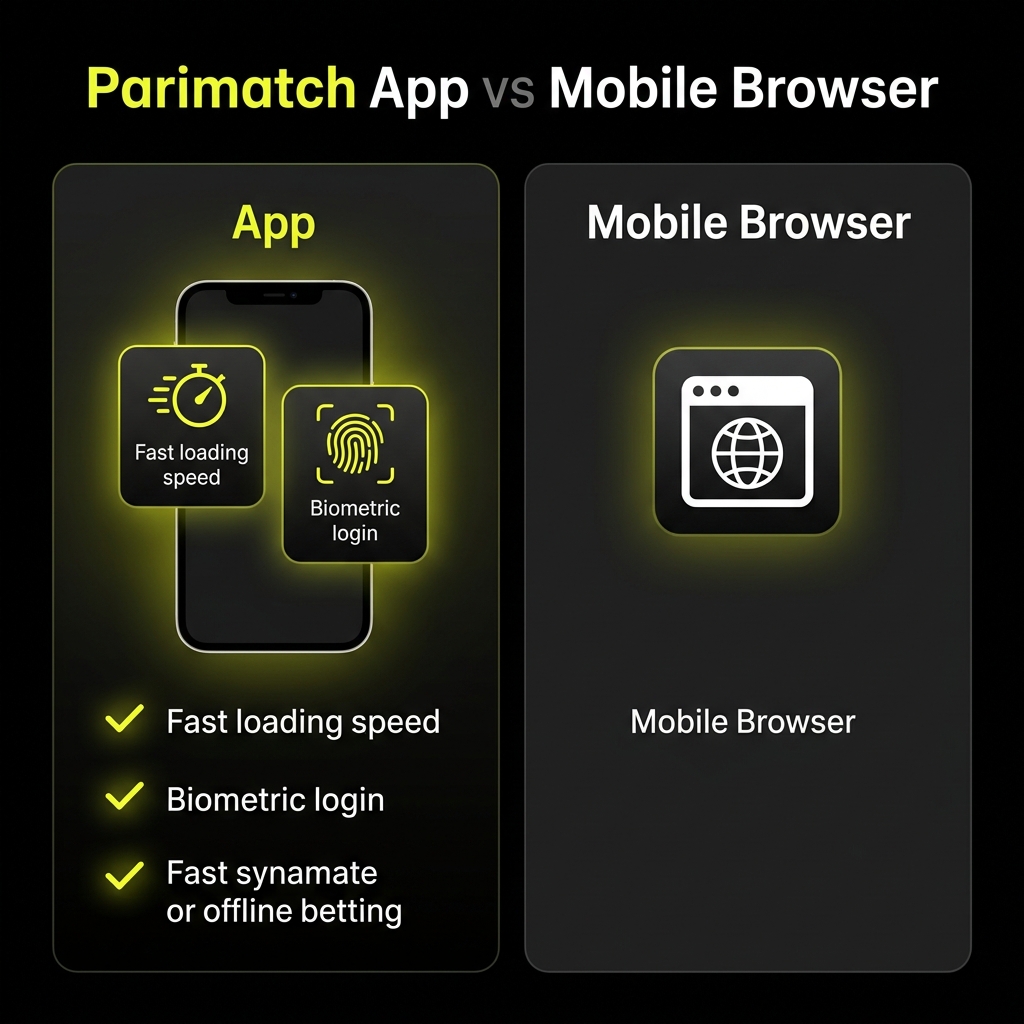
Not sure whether to bother installing anything? Here's the honest side-by-side so you can pick what suits how you play.
| Feature | Mobile Website | Dedicated App |
|---|---|---|
| Installation | None — just open in browser | Download + install required |
| Speed | Good | Faster, smoother |
| Push notifications | No | Yes |
| Storage used | None | ~100–150 MB |
| Updates | Automatic (always current) | Manual or auto, occasional re-download |
| Live betting | Works well | Best experience |
| Access reliability | Depends on network | Generally more stable |
The short version? If you bet occasionally or you're tight on storage, the mobile site is perfectly fine and you skip the install faff. If you're a regular — especially on live markets — the app earns its keep through speed and notifications. Both give you the full account: same login, same balance, same games.
Mobile Casino Games and Sports Betting
A fair question before you commit storage space: do you actually get everything on mobile, or a stripped-back version? The good news — both the app and mobile site carry essentially the full platform, not some cut-down lite edition.
On the casino side, the Parimatch mobile app runs the pokies, crash games like Aviator, and live dealer tables, all optimised for touchscreens and portrait play. A few of the heaviest live-stream games can be a touch demanding on older phones, but the core lobby is all there. Want to see what's on offer first? Our Parimatch casino games breakdown covers the pokies and RTP picks.
For betting, the full sportsbook comes along too — Cricket, AFL, NRL, UFC, soccer, the lot — plus live in-play markets and, where available, live streaming. The app's where live betting genuinely shines thanks to the speed. For a proper look at the markets and odds, see our Parimatch sportsbook review.
Deposits and withdrawals work straight from the app as well, so you can top up or cash out without switching to a browser. The full list of methods and timeframes sits in our Parimatch banking guide.
App Updating & Troubleshooting
Apps misbehave sometimes — here's how to keep yours current and fix the common gripes.
Updating. On iOS, updates usually arrive automatically through the App Store. On Android, because it's a sideloaded APK, you may need to download the latest version from the site again and install over the top — your account and data stay intact. The app often prompts you when an update's due. Running an outdated version is the number one cause of crashes, so don't ignore those prompts.
Here are the issues that come up most and how to handle them:
| Problem | Likely Cause | Fix |
|---|---|---|
| APK won't install | "Unknown sources" not enabled | Enable install permission for your browser (see Android steps above) |
| App keeps crashing | Outdated version, full cache, low RAM | Update the app, clear its cache, restart the phone |
| App won't open | Corrupted download | Uninstall, re-download the APK from the official site, reinstall |
| Can't find iOS app | Regional App Store restriction | Use the mobile site, or consider an Apple ID region change |
| Login fails on app | Wrong details or session conflict | Reset password, or check you're not logged in elsewhere — see our login guide |
| Slow / laggy | Weak connection or old device | Switch to Wi-Fi, close background apps |
A practical rule: nine times out of ten, a crash or freeze is fixed by updating to the Parimatch APK latest version and clearing the cache. Try that before anything drastic like a full reinstall.
Frequently Asked Questions
What is the Parimatch app?
It's the official mobile application for betting and casino play on your phone or tablet, available as an Android APK and an iOS App Store download. It gives you the full sportsbook, casino, banking and account features in a faster, app-based format than the browser site.
Is the Parimatch app safe to download?
Yes — provided you download it from the official Parimatch website or the App Store, not a random third-party APK mirror. The official file uses standard encryption to protect your data. The "unknown sources" warning on Android is generic and appears for any sideloaded app; it doesn't mean the file is unsafe.
Is the Parimatch APK free to download?
The app itself is completely free to download and install on both Android and iOS. You only spend money if you choose to deposit and play. Just make sure you grab the APK from the official source to avoid tampered copies.
Why won't the Parimatch APK install on my Android?
The most common reason is that "install from unknown sources" isn't enabled for your browser. Head to your security settings and allow installation from the source you downloaded with, then open the file again. If it still fails, the download may be corrupted — delete it and re-download from the official site.
Can I get the Parimatch app on iPhone?
Yes, through the App Store, though availability depends on your Apple ID region. If it's not showing in the Australian store, you can either change your Apple ID region (with some caveats) or simply use the mobile website in Safari, which gives you the same full functionality.
Do I need a separate account for the app?
No. Your account works across the app, mobile site and desktop with the same login — same balance, same history, same bonuses. Register once on any device and sign in everywhere.
Once the app's installed and you're logged in, the smart first move is sorting your verification so nothing holds up a future payout — our Parimatch registration and KYC guide walks you through it. After that, top up via your preferred method using the banking guide, set your deposit limit, and you're set to play wherever you are. Bet smart and keep it fun.