

Parimatch Registration, Login &
Account Verification Guide
Signing up for a betting account should take five minutes — and at Parimatch it genuinely does, provided you know what's coming before you start.
18+ only | Complete KYC before your first withdrawal
Where people trip up isn't the sign-up form. It's the verification step weeks later, usually at the worst possible moment: when they're trying to cash out a win and suddenly the site wants three documents they don't have handy.
This guide sorts that out. We'll walk through Parimatch registration on every device, the Parimatch login process (including what to do when you've forgotten your password), and the full KYC verification grind — what documents you need, how recent they have to be, and how to upload them without getting bounced. Do it right the first time and you'll never think about it again.
18+ only. You must be of legal age to register. Set yourself a deposit limit during sign-up and treat gambling as entertainment, not income.
Quick Answers
Most common questions about registering at Parimatch
How long does sign-up take?
About 5 minutes. Fill in email/phone, password, select AUD, confirm — done. Verification is separate and done later.
What ID do I need for KYC?
Australian driver's licence or passport (photo page). Plus a utility bill or bank statement dated within 3 months for proof of address.
Can I withdraw before verifying?
No. You can register and deposit, but withdrawals are locked until KYC is complete. Verify right after signing up — don't wait.
Can I register on mobile?
Yes — via mobile browser or the Parimatch app. Same fields, same account. One login works across all devices.
Can I have two accounts?
No — strictly one account per person. Duplicate accounts get flagged and all balances can be forfeited. Use password recovery if locked out.
How long does KYC take?
A few hours to 1–3 business days. Submit clear, in-date documents that match your account name exactly to get approved first time.
Pre-Registration Checklist for Australian Players
Before you touch the sign-up button, run through a quick mental check. Getting these right upfront saves you the headache of a frozen account or a rejected verification down the track.
First, the obvious one: you must be at least 18. Parimatch's licence requires age verification, and lying about your date of birth doesn't just risk a closed account — it means any winnings can be voided when KYC catches the mismatch. Not worth it.
Second, the one account per person rule. Same name, same address, same IP, same payment method — the system flags duplicates fast, and multi-accounting is the quickest way to get permanently locked out and forfeit your balance. One person, one account. Full stop.
Here's the practical checklist before you create your Parimatch account:
| Requirement | Detail |
|---|---|
| Age | 18 years or older |
| Identity | A real name matching your government ID exactly |
| Email/Phone | A valid email and Australian mobile you can access |
| Currency | AUD available at sign-up |
| Documents (for later) | Photo ID + proof of address ready for KYC |
| Payment method | In your own name (no third-party cards) |
One insider tip before you go further: use your legal name exactly as it appears on your driver's licence or passport when you register. If you sign up as "Dave" but your ID says "David", verification can stall over the mismatch. Small thing, big time-saver.
How to Sign Up at Parimatch: Step-by-Step Guide
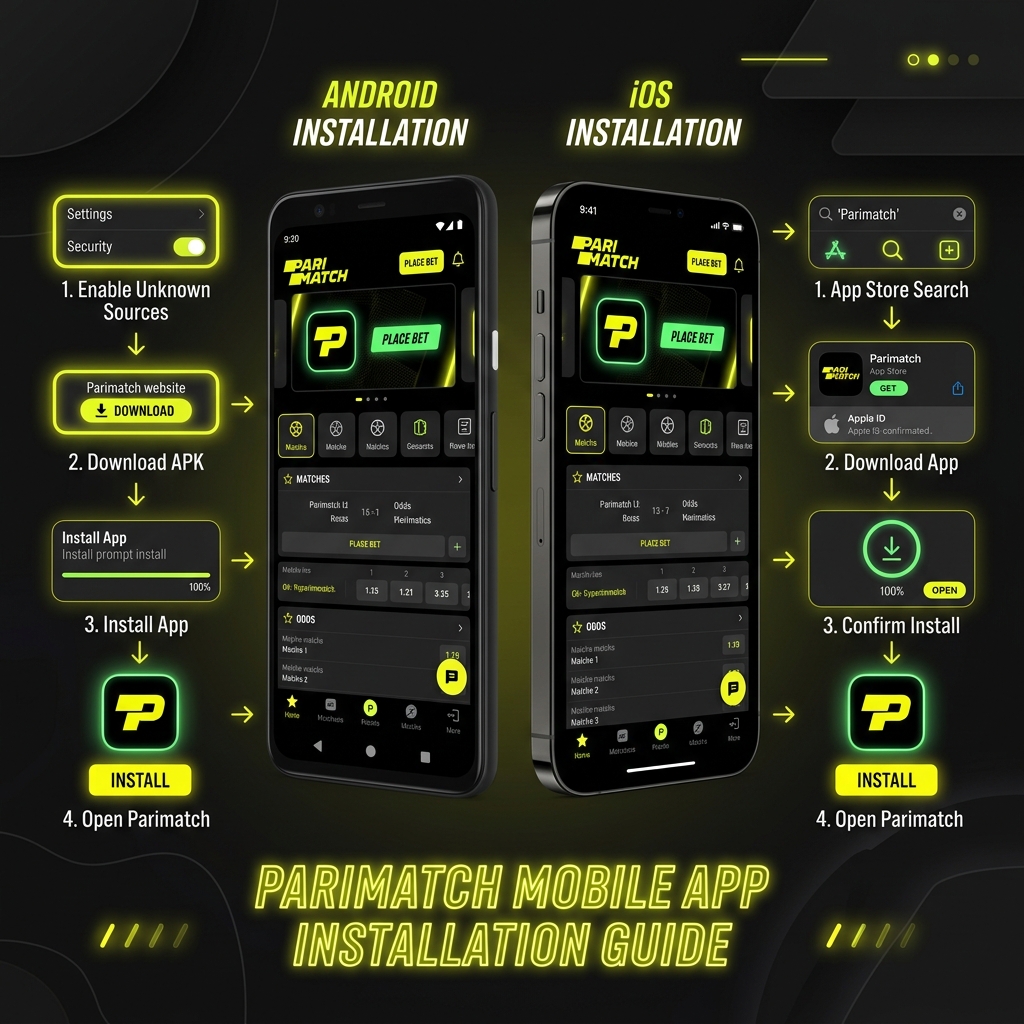
The Parimatch sign up process is short, but the device you're on changes the flow slightly. Below are the steps for both desktop and mobile so you can follow whichever fits.
Whichever path you take, you'll be picking AUD as your currency, setting a password, and agreeing to the terms. Have your email open in another tab — you'll likely need to confirm it.
🖥️ Registration via Desktop
If you're on a laptop or PC, the full-screen form is the easiest way to register at Parimatch because you can see every field at once. Here's the run-through:
- 1 Head to the official Parimatch website
Head to the official Parimatch website in your browser. Double-check the domain so you're not on a copycat site.
- 2 Click "Register"
Usually top-right corner, green or highlighted button.
- 3 Fill in the form
Enter your email or mobile number, create a strong password, and select AUD as your account currency.
- 4 Enter a promo code
This is the moment to add it — applying a bonus code later can be fiddly or impossible. Not sure which codes are live? Check our Parimatch promo code page before you finish.
- 5 Tick the boxes
Tick the boxes confirming you're 18+ and agree to the terms and privacy policy. Read them, at least the bonus terms.
- 6 Submit & confirm
Submit, then confirm your email or mobile via the verification link or SMS code.
That's you registered. You can deposit straight away, but I'd verify first — more on why below.
📱 Registration via Mobile App/Browser
Doing your Parimatch sign up online from a phone works just as well, whether through the mobile browser or the dedicated app. The fields are identical; they're just stacked vertically for a smaller screen.
On the mobile browser, tap the menu icon (often three lines), hit "Register", and work through the same form — email or phone, password, AUD, promo code, terms. Confirm via the SMS or email link.
In the app, the registration button usually sits on the opening screen or behind the menu. The app remembers your login afterwards, which makes it the handier option if you play regularly. Haven't installed it yet? Our download Parimatch app tutorial covers the Android APK and iOS setup step by step.
One thing worth knowing: if you register on the app, you can still log in on desktop with the same credentials. One account works across every device — you don't sign up twice.
Parimatch Login Process Detailed
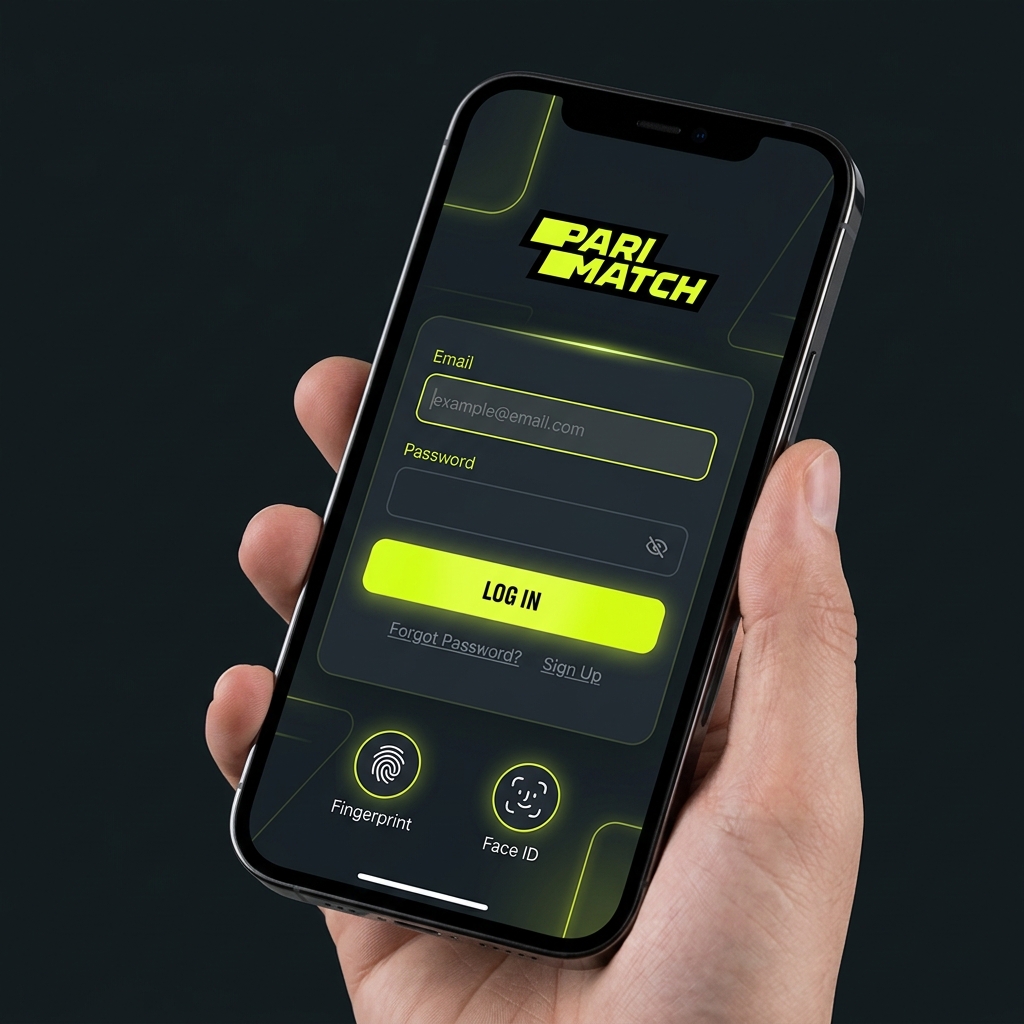
Once you're registered, getting back in is dead simple. But there are a few quirks worth knowing — especially around saved sessions and the dreaded forgotten password.
🖥️ How to Log In on PC
- Open the official site in your browser.
- Click "Log In" (top-right, next to Register).
- Enter your registered email or mobile number and your password.
- Hit enter, and you're in.
If you're on your own private computer, you can let the browser remember the session so you're not typing credentials every visit. On a shared or public machine, don't — always log out manually when you're done. A betting account left open on a library PC is asking for trouble.
📱 How to Log In via App
The Parimatch app login is even quicker because the app typically keeps you signed in between sessions. First time, you'll enter your email/phone and password the same as on desktop. After that, many devices let you enable fingerprint or Face ID login, so you're tapping in with a thumbprint rather than typing.
If the app logs you out unexpectedly, it's usually one of two things: an app update reset the session, or you logged in elsewhere and the system bumped the older session. Just re-enter your credentials and you're sorted.
🔑 What to Do if You Forgot Your Password?
- On the login screen, click "Forgot Password?" below the password field.
- Enter the email or mobile number linked to your account.
- You'll get a reset link by email or a code by SMS — usually within a minute or two.
- Follow the link, set a new password, and log in with it.
If the reset email doesn't show up, check your spam folder first — it lands there more often than you'd think. Still nothing after ten minutes? The email you're trying might not match the one on file, in which case live chat support can verify your identity and help you recover the account manually.
Quick tip: pick a password you don't use anywhere else. Reusing your email password on a gambling site is a genuine security risk.
Parimatch Account Verification (KYC) Process
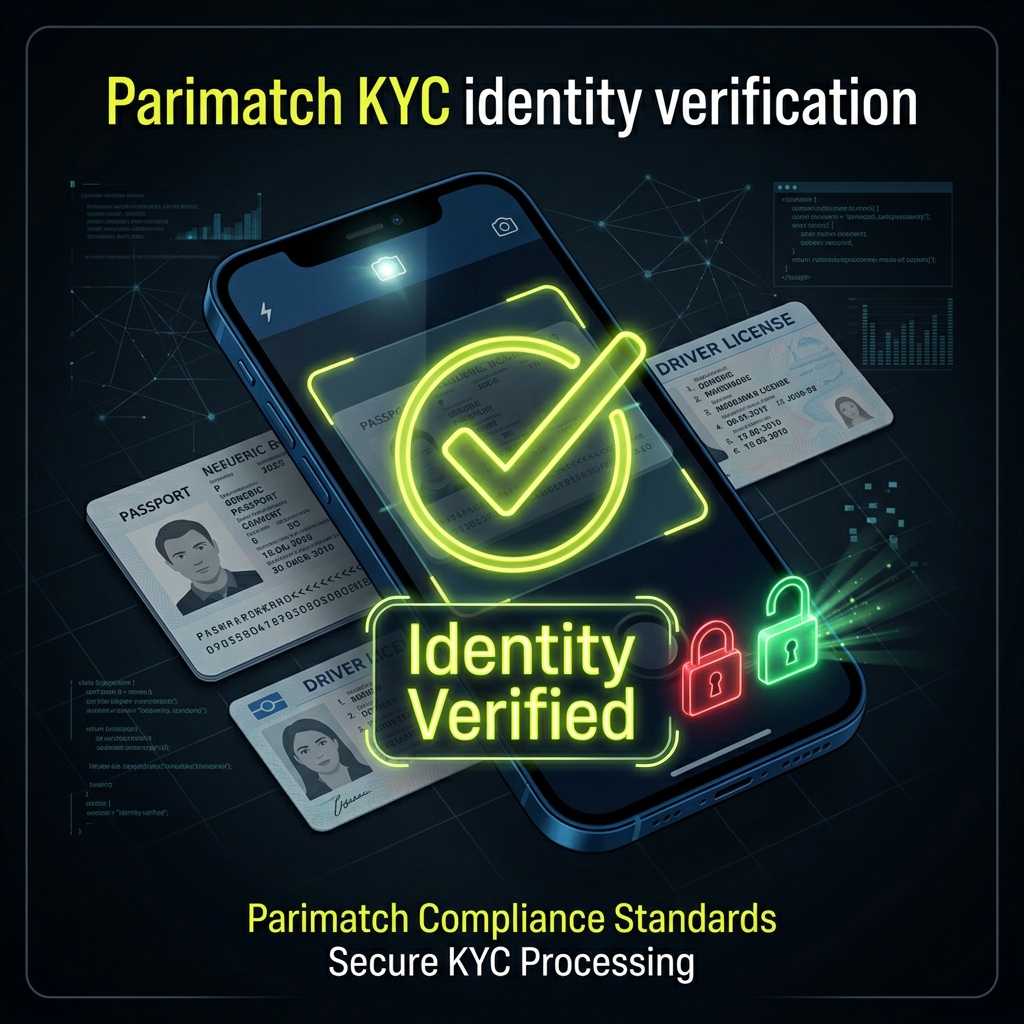
Right, the big one. Parimatch verification — known as KYC, or "Know Your Customer" — is the step that catches most people off guard, so let's get it properly sorted.
Why does it exist? Two reasons. The site's Curacao licence legally requires it to confirm players are real, of legal age, and not laundering money. And it protects you — KYC is what stops a stranger who got your password from cashing out your balance to their own account. Annoying? A bit. Pointless? No.
Most people only discover this when they've won and want their money — and then the verification wait feels like the site is stalling. It isn't (usually). So the smartest move is to verify right after you sign up, while you're not in a hurry. Get it out of the way.
Required Documents for Identity Verification
To confirm who you are, you'll need one valid government-issued photo ID. Any of these usually does the job:
- Australian driver's licence (front and back)
- Passport (the photo page)
- National ID / Proof of Age card
The photo needs to be clear, in colour, and show all four corners of the document. No glare, no thumbs covering the text, no cropped edges. The name and date of birth must match exactly what you entered at sign-up — this is where the "Dave vs David" problem bites people.
Proof of Address
On top of photo ID, Parimatch will usually ask for a proof of address document to confirm where you live. Accepted examples:
- A utility bill (electricity, gas, water)
- A bank statement
- A council rates notice or government letter
Here's the catch that trips people up: the document generally must be dated within the last 3 months. A power bill from last year won't fly. It also needs to clearly show your full name and residential address matching your account details — and ideally the same name as your photo ID.
| Document Type | Examples | Key Rule |
|---|---|---|
| Photo ID | Licence, passport, ID card | Clear colour, all corners visible, name matches account |
| Proof of Address | Utility bill, bank statement, rates notice | Dated within ~3 months, full name + address visible |
A common mistake: uploading a digital bill screenshot that's cropped so the date or address is cut off. Include the whole document, header to footer.
Step-by-Step KYC Upload Guide
Once your documents are ready, uploading them takes a couple of minutes:
- 1 Log in
Log in and head to your account or profile section.
- 2 Find verification settings
Find "Verification", "KYC", or "Account Verification" in the menu.
- 3 Select document type
Select the document type you're uploading (ID, then proof of address).
- 4 Upload clear photo or scan
Upload a clear photo or scan — most accept JPG, PNG or PDF. Snap it in good light if you're using your phone camera.
- 5 Submit
Submit and wait. Verification typically takes anywhere from a few hours up to 1–3 business days, depending on the queue.
- 6 Confirmation
You'll get a confirmation by email once approved.
If a document gets rejected, the email usually tells you why — blurry image, expired document, name mismatch. Fix that specific issue and re-upload; you don't start from scratch. And once you're verified, knowing your way around the cashier helps, so it's worth a look at our Parimatch payment methods and withdrawal guide for the next step.
Common Registration & Login Problems
Even a smooth process hits the odd snag. Here are the issues that come up most often and how to fix them fast.
| Problem | Likely Cause | Fix |
|---|---|---|
| SMS code not arriving | Network delay, wrong number, full inbox | Wait 2–3 mins, request resend, check the number, or use email verification instead |
| Account blocked/locked | Failed logins, suspected duplicate, pending KYC | Contact live chat — they'll tell you the exact reason and what's needed |
| "Access denied" / geo error | Connection routing or regional restriction | Check you're on a stable AU connection; contact support if it persists |
| Email already registered | You've signed up before | Use password recovery instead of creating a new account (no duplicates!) |
| Verification rejected | Blurry photo, expired doc, name mismatch | Re-upload a clear, in-date document matching your account name |
| Password reset email missing | In spam, or wrong email entered | Check spam, confirm the email on file, then contact support |
💬 The golden rule: 24/7 live chat is your fastest route. Most issues that look scary — a locked account, a stuck verification — are routine for the support team and sorted in one conversation. Don't create a second account to get around a problem; that just digs a deeper hole.
If you do hit a wall and want to read more about the broader platform before sorting it out, our full Parimatch review covers the site's licensing, safety and reputation in detail.
Frequently Asked Questions
How do I register at Parimatch?
Head to the official site or app, click "Register", and fill in the form with your email or mobile, a strong password, and AUD as your currency. Confirm via the email link or SMS code, and you're done. Use your legal name exactly as it appears on your ID to avoid verification problems later.
How long does Parimatch verification take?
KYC review usually takes anywhere from a few hours to 1–3 business days, depending on the queue and whether your documents are clear. Submitting sharp, in-date photos that match your account details is the best way to get approved on the first go.
Can I have two Parimatch accounts?
No — it's strictly one account per person. The system flags duplicate names, addresses, IPs and payment methods, and multi-accounting can get all accounts locked and balances forfeited. If you're locked out of your existing account, use password recovery rather than registering again.
Why can't I withdraw without verification?
Parimatch's licence requires identity verification before any payout, mainly to prevent fraud and underage gambling. You can register and deposit without it, but withdrawals stay locked until KYC is complete — so it's smart to verify right after signing up rather than waiting until you've won.
What if I forgot my Parimatch login details?
Click "Forgot Password?" on the login screen, enter your registered email or mobile, and follow the reset link or SMS code to set a new password. If the reset message doesn't arrive, check your spam folder, then contact 24/7 live chat to recover the account manually.
My account got blocked — what now?
Don't panic, and don't open a new account. Contact live chat straight away; a block is often down to pending KYC, a suspected duplicate, or unusual login activity. Support will tell you the exact reason and walk you through restoring access.
Get your account verified the day you sign up and you've removed the single biggest frustration punters hit at Parimatch — the withdrawal-day document scramble. Once you're registered, logged in and KYC-cleared, the next step is funding your account, so have a read of our deposit and withdrawal guide to pick the fastest banking method for your first cash-out. Play within your limits and enjoy it.